
Make music. Keep the source.
A free and open-source digital audio workstation, written in Rust.
Build
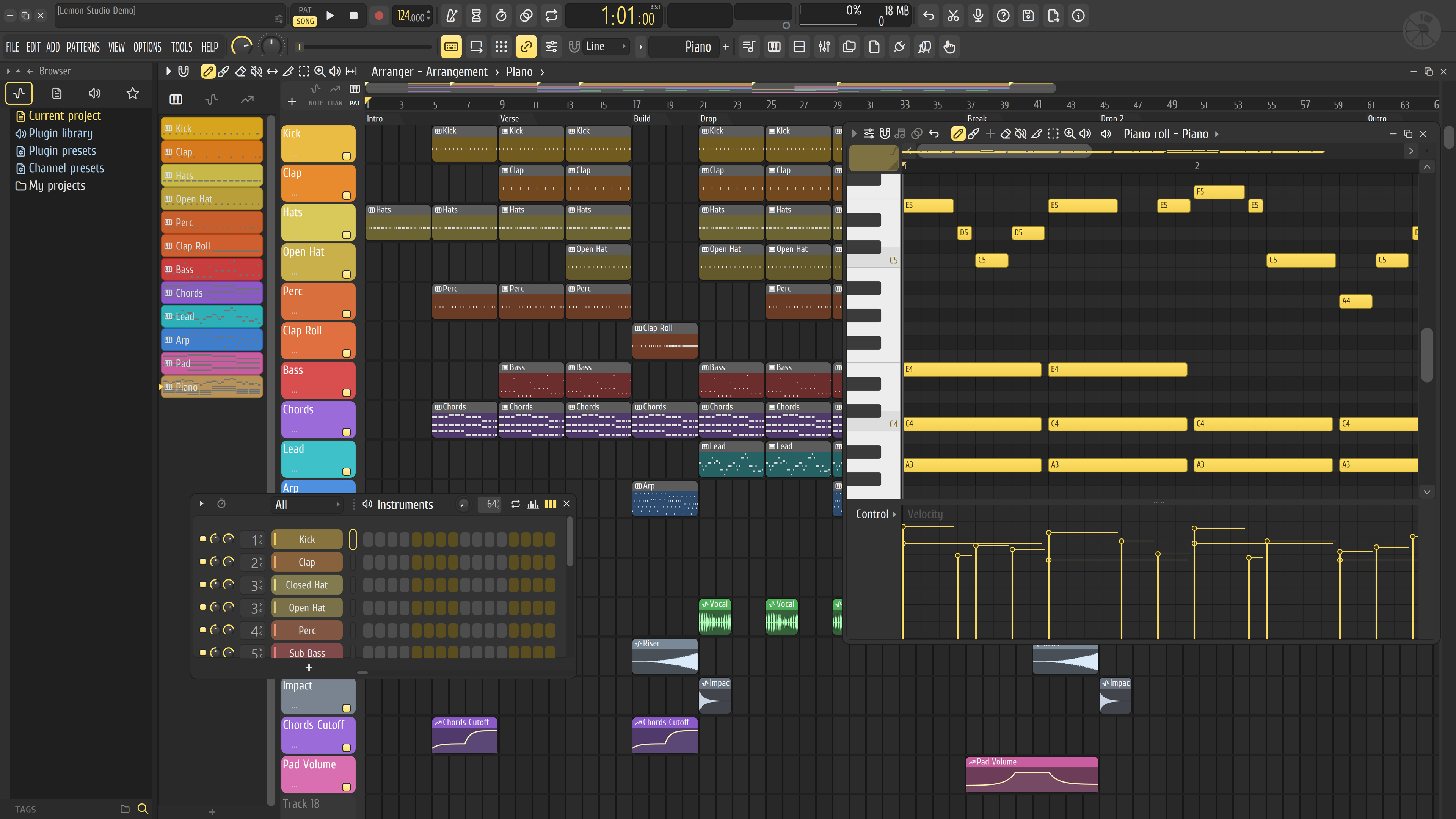
Make beats in the instrument rack
Every instrument gets a row in the instrument rack. Click steps on a row and press play to hear your beat. The rack also has per-instrument loops, swing and mini piano rolls.
Write
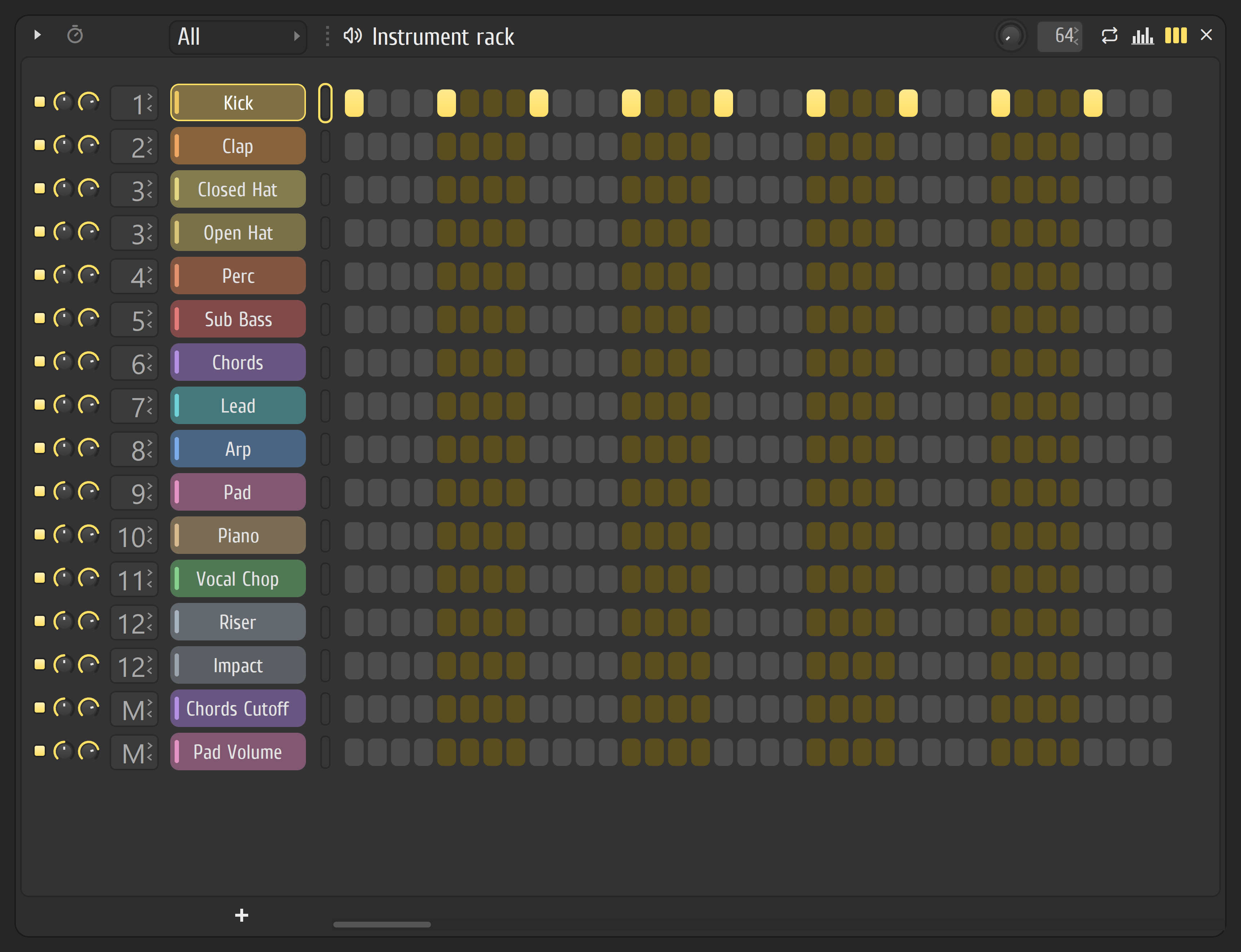
Draw notes in the piano roll
Edit velocity and other controls in lanes below the notes. Quantize, chop, strum, arpeggiate and randomize notes with the built-in tools.
Arrange
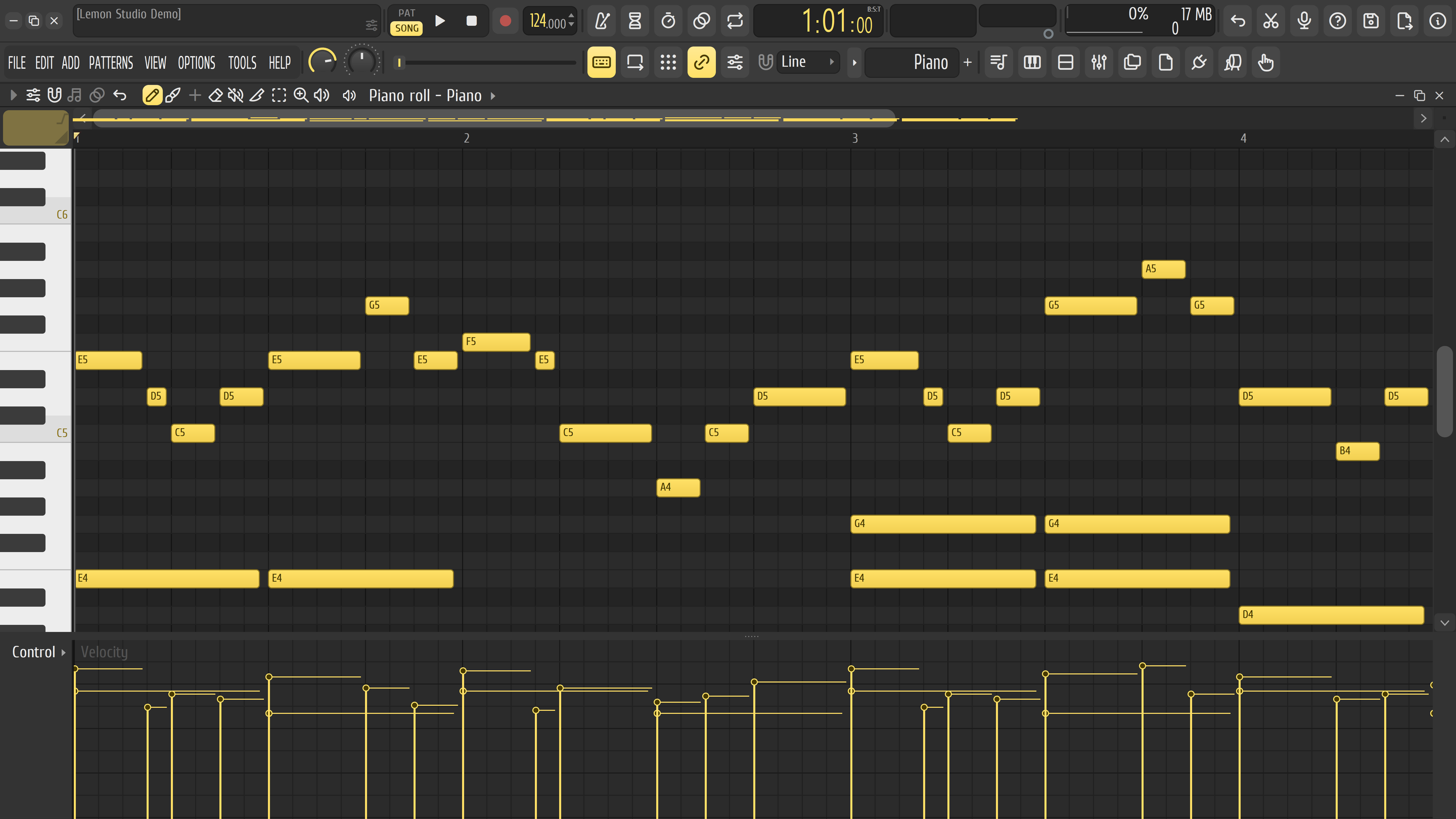
Lay out songs in the arranger
Paint patterns, audio and automation clips into the arranger. Group them, mark your sections, keep several arrangements in one project, and launch clips live in performance mode.
Mix
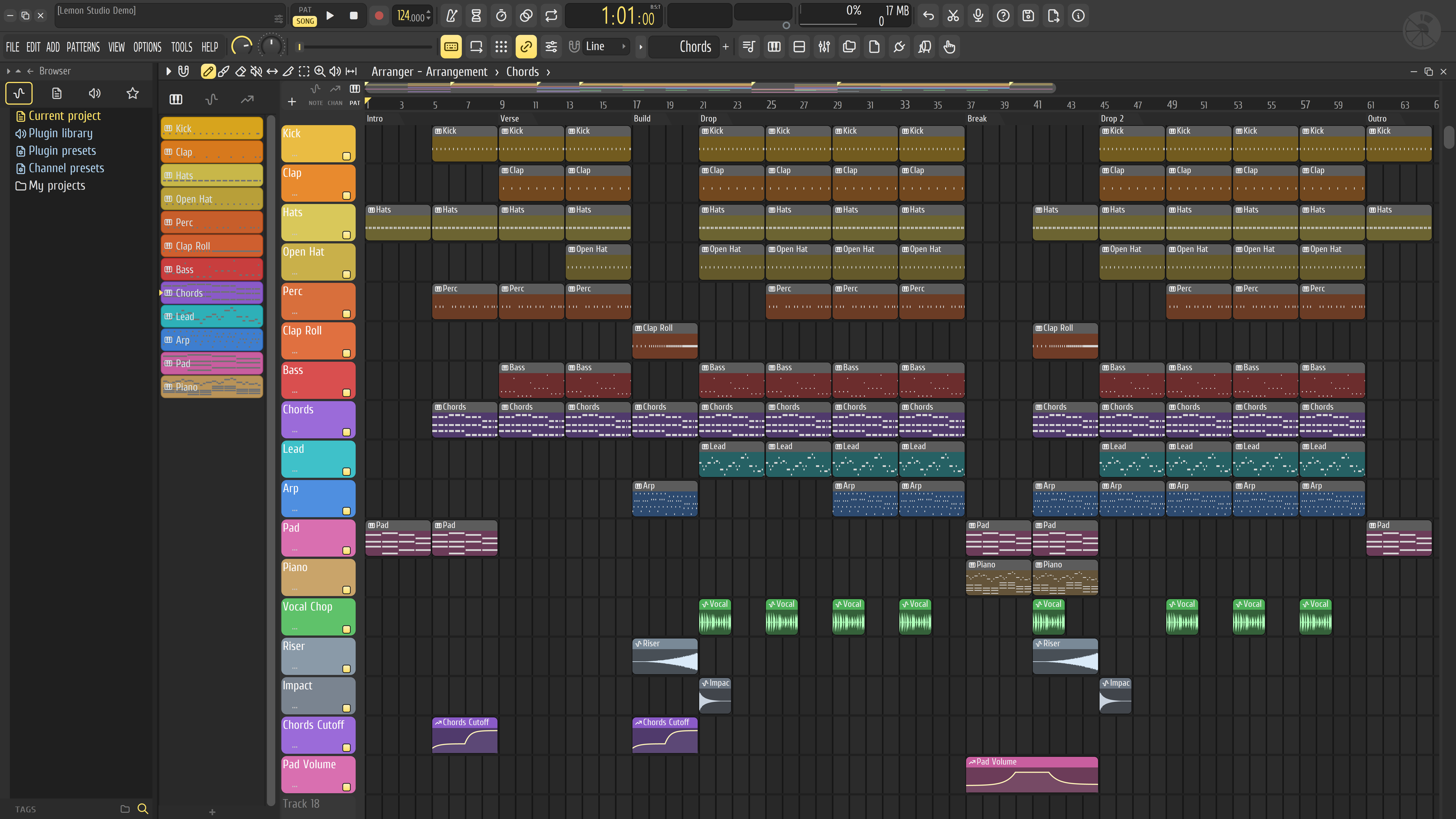
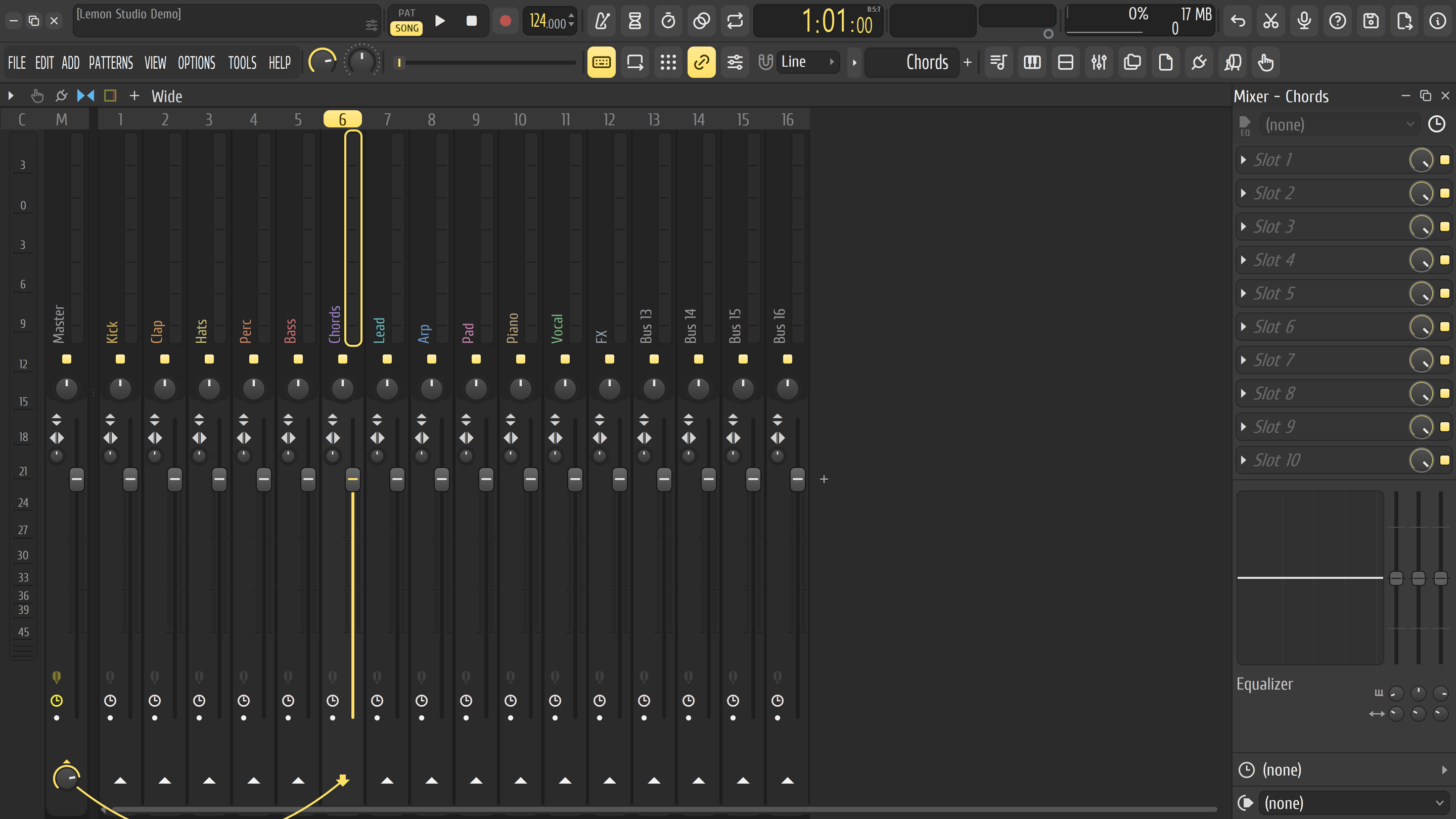
Route tracks and add effects in the mixer
Send any track to any other, stack effects in slots and feed sidechains. Plugin delay compensation keeps everything in time. When you're done, export the song, a pattern or stems to WAV, FLAC, MP3 and OGG at once.
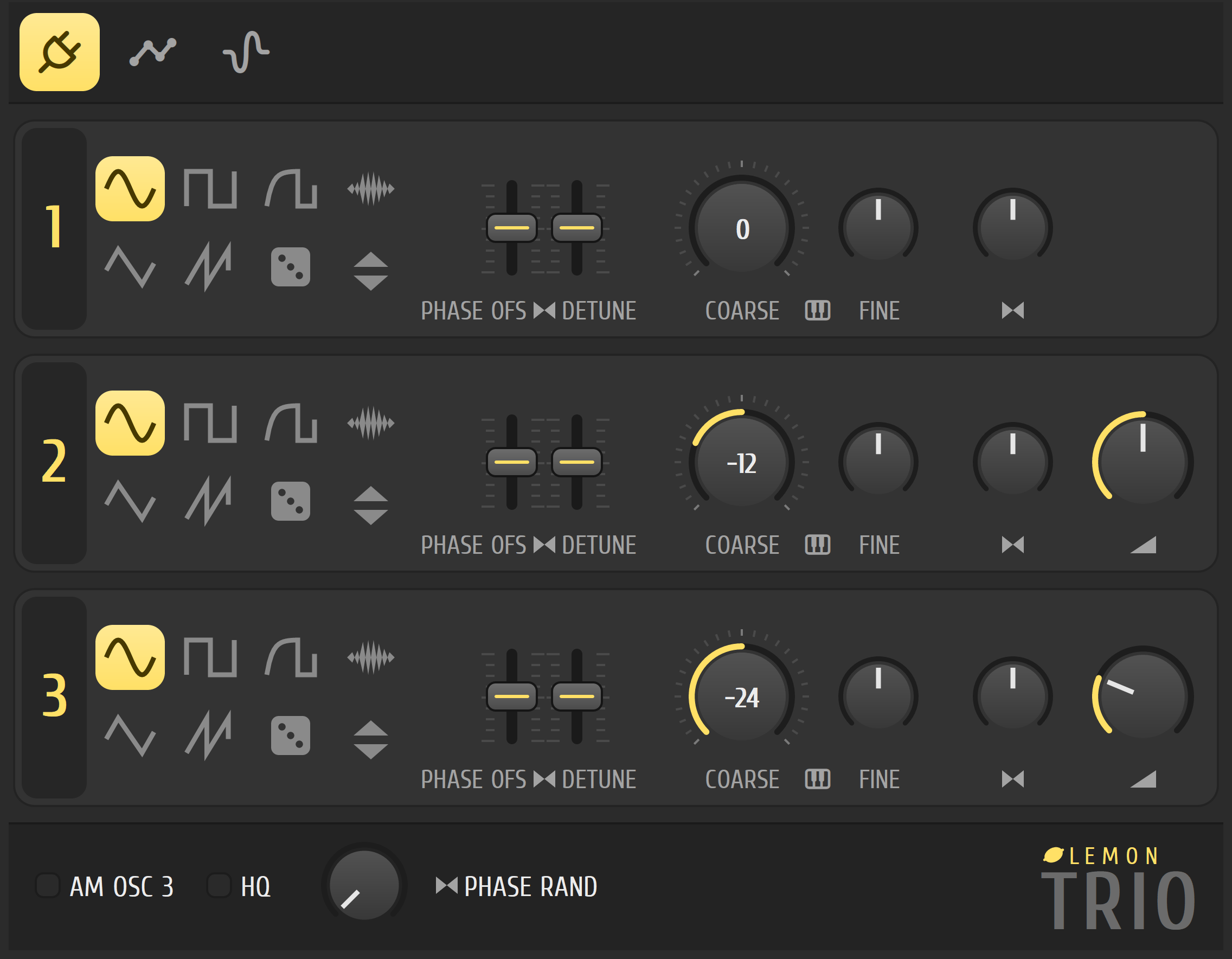
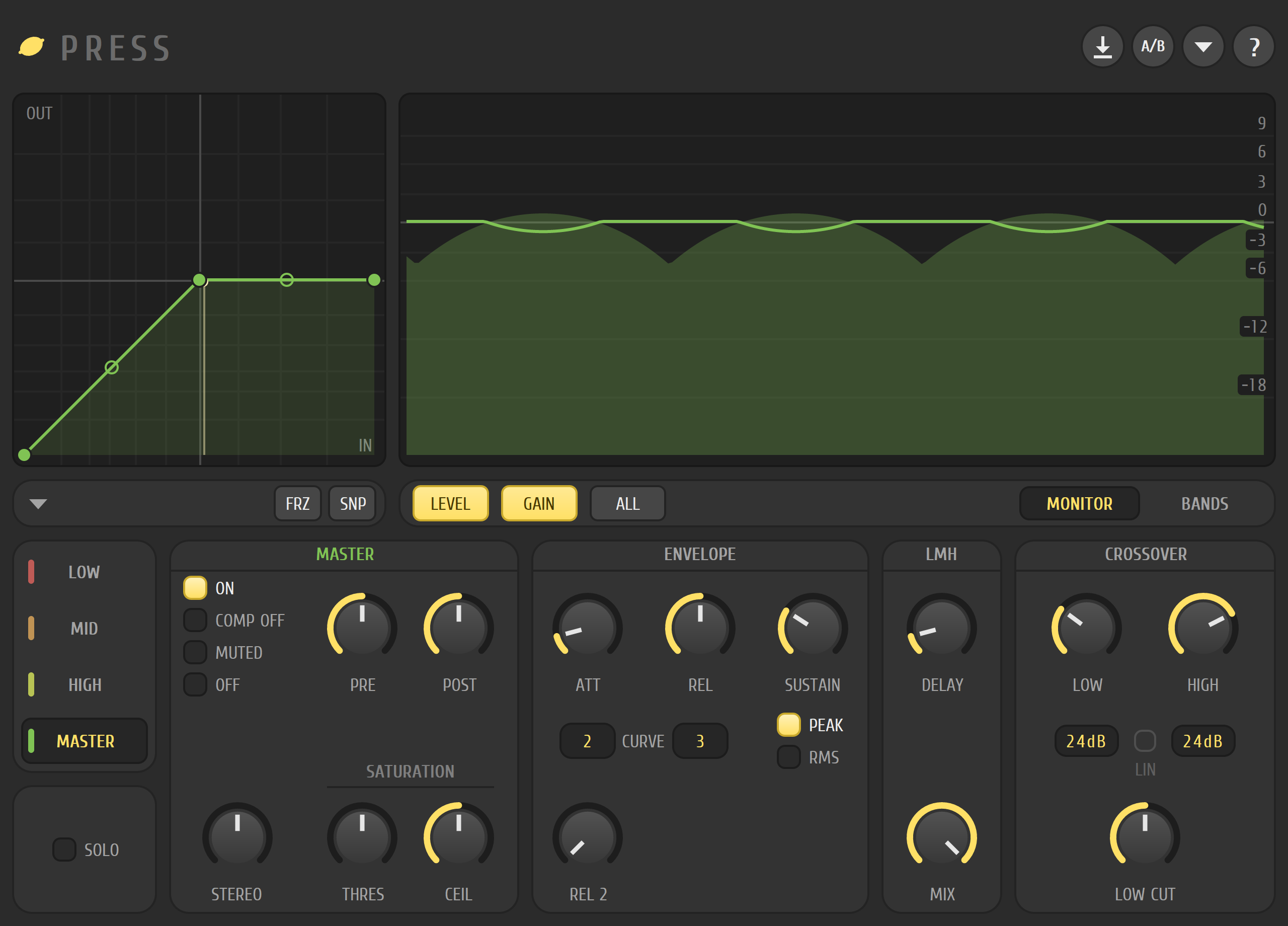
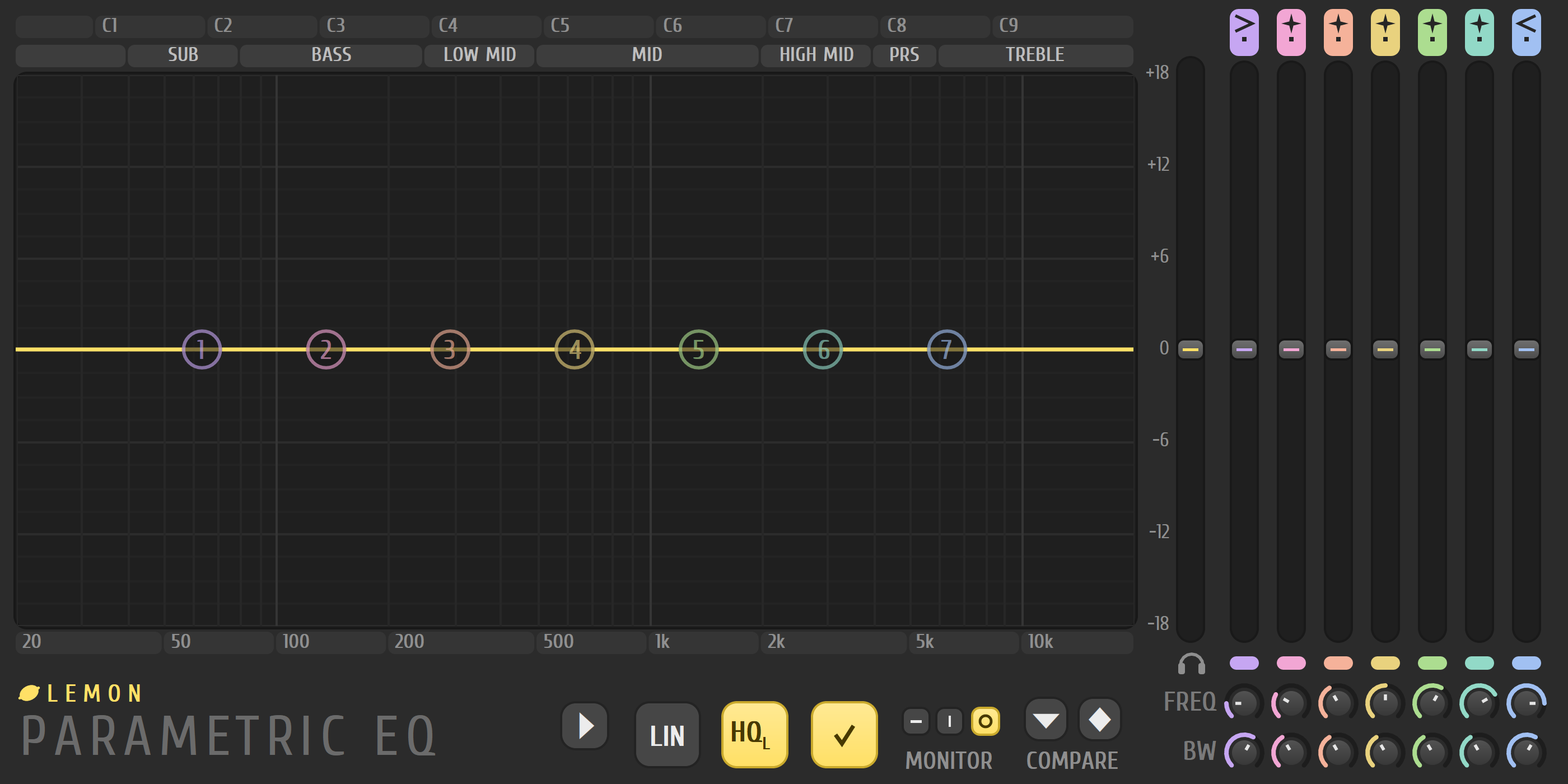
Built-in plugins
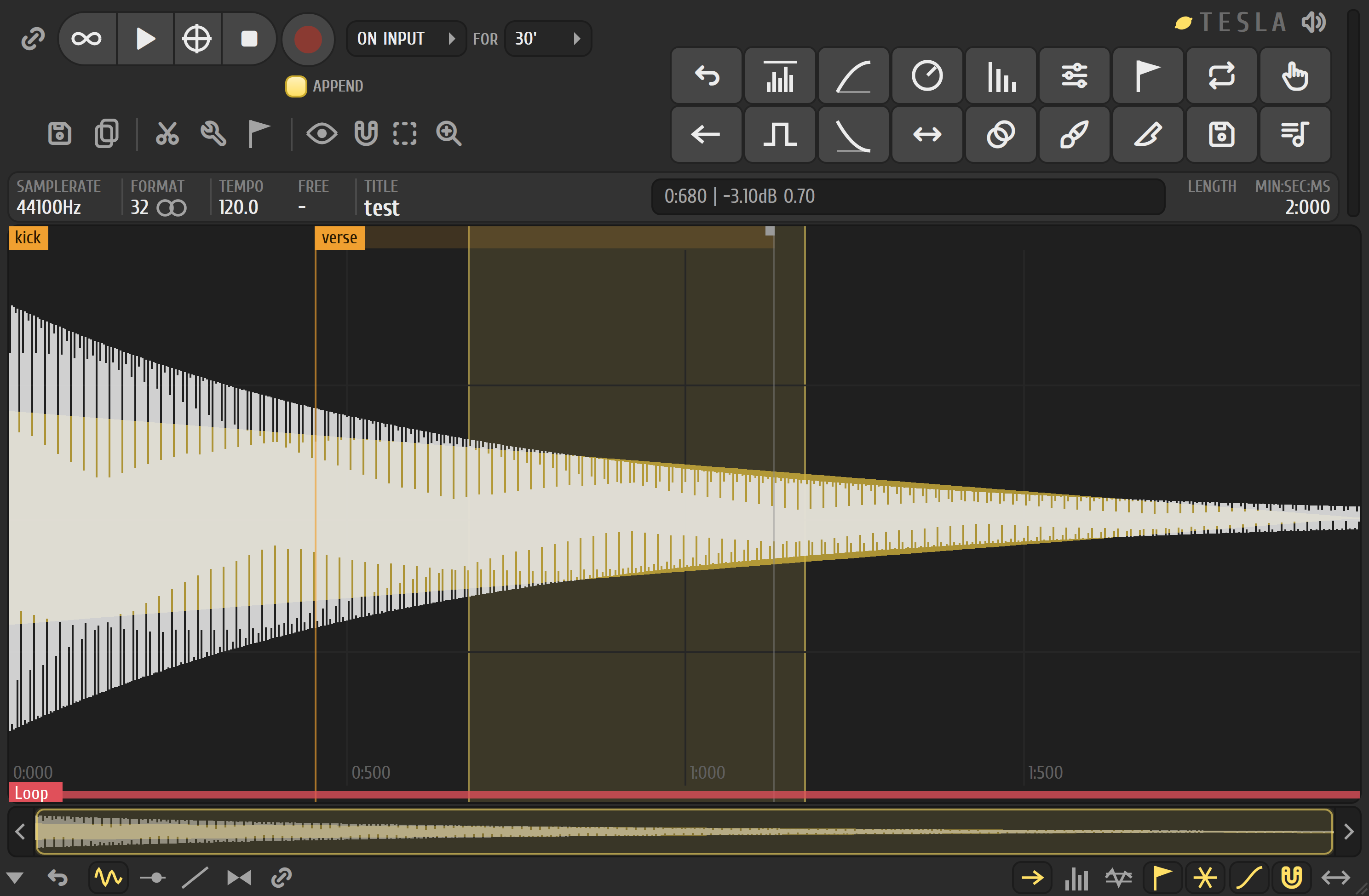
28 instruments, effects and tools
They all share one design, and most also work as VST3 and CLAP plugins in other DAWs, for free.
Plugin support
CLAP, VST3 and VST2
Load your own instruments and effects, each in its own window. The plugin manager has your own folders, a crash-safe background scan, favourites and presets. On Windows, a plugin that crashes is stopped, and Lemon Studio keeps running.
Platforms
Windows, Linux and macOS
Every change is built and tested on all three. WASAPI and ASIO on Windows, ALSA and PipeWire on Linux, Core Audio on macOS. The audio engine is sample-accurate.
Project compatibility
Projects save as .lemon files
.lemon is Lemon Studio's own project format. Lemon Studio can also open projects saved by FL Studio 10 and later, and converts them to .lemon when you save.
- Saving doesn't touch the original file. Save asks for a new name, ending in
.lemon. - Anything Lemon Studio doesn't understand yet is kept, not thrown away.
- This support is still young: work on copies and keep backups.
FL Studio is a trademark of Image-Line Software. Lemon Studio is an independent project and is not affiliated with, sponsored by or endorsed by Image-Line Software. FL Studio and its .flp file format are referred to solely to describe interoperability.
Free software
Open source under the GPL
Read the code, build it yourself, or join the Discord. The GPL gives you the right to use Lemon Studio, study it, change it and share it.